Face fills about 60% of the frame
Head and shoulders. LinkedIn shows your photo as a small circle, so a distant shot becomes a dot.
Upload your current LinkedIn photo and get a score from 0 to 100 within seconds, with a concrete tip per point: framing, light, background, sharpness and more.
Free, no account. Your photo is not stored: it is only sent to OpenAI for the review and is not used to train AI.
What we check
You get a score from 0 to 100 and a concrete tip per point. Takes a few seconds.
Head and shoulders. LinkedIn shows your photo as a small circle, so a distant shot becomes a dot.
A light wall or a blurred background. No kitchen, car or busy street.
Daylight from a window in front of you works best. Avoid a lamp right above you or backlight.
Recruiters want to recognise you at the interview. Update your photo when you look clearly different.
LinkedIn recommends 400 × 400 pixels and accepts photos up to 8 MB (JPG or PNG).
The WerkCV AI profile photo turns a regular photo into a professional version. You see 4 previews for free first.
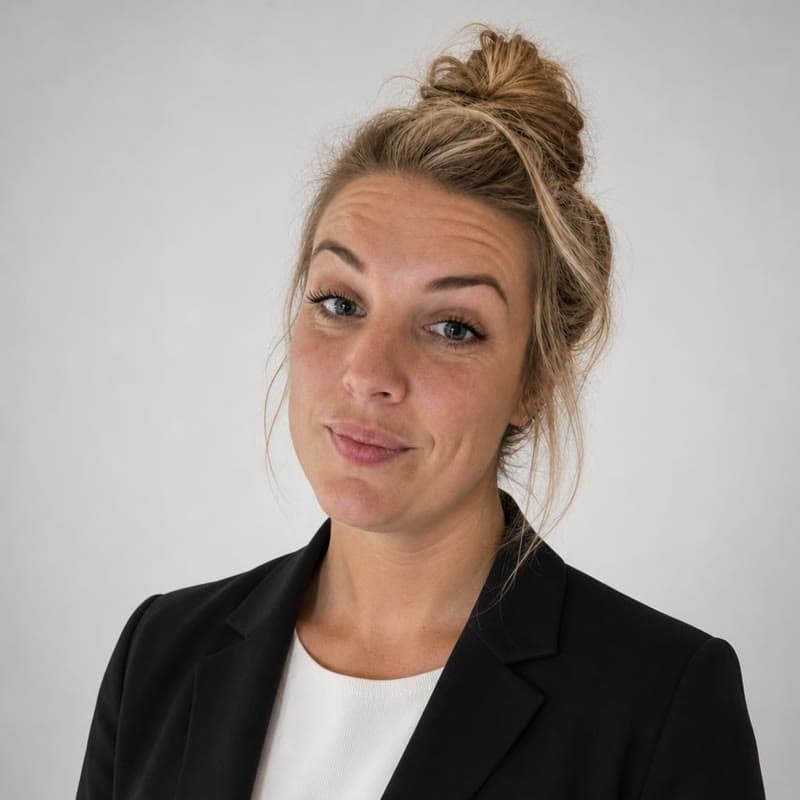




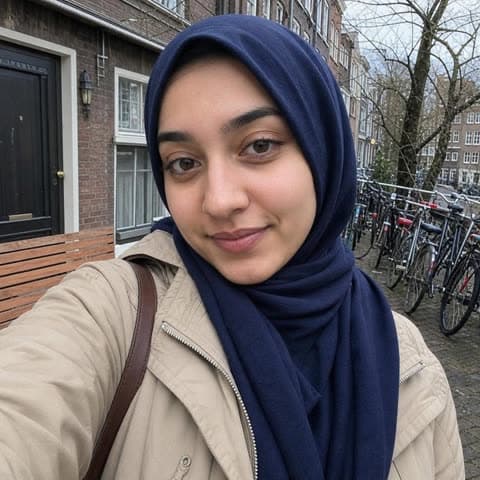




AI examples with fictional test people, made with the same tool. No customer photos.
Yes. The check is free and works without an account. You can check up to 10 photos per hour.
We do not store your photo. For the review it is sent to OpenAI, which by default does not use data sent through its API to train AI.
The AI rates nine points (face, framing, eye contact, expression, light, sharpness, background, clothing and resolution) as good, borderline or to improve. We then compute the 0–100 score with fixed weights, so the same photo gets roughly the same score each time.
No. It only looks at the photo: light, framing, background and so on. Looks, age, background or religion play no role; a headscarf or glasses are perfectly fine.
LinkedIn recommends at least 400 × 400 pixels and accepts JPG and PNG up to 8 MB. It shows your photo as a circle, so keep your face in the centre.
Follow the tip per point, or turn the same photo into a professional version with the WerkCV AI profile photo. You see 4 previews for free; only if you use one do you pay €9.99 once.